



Introduction
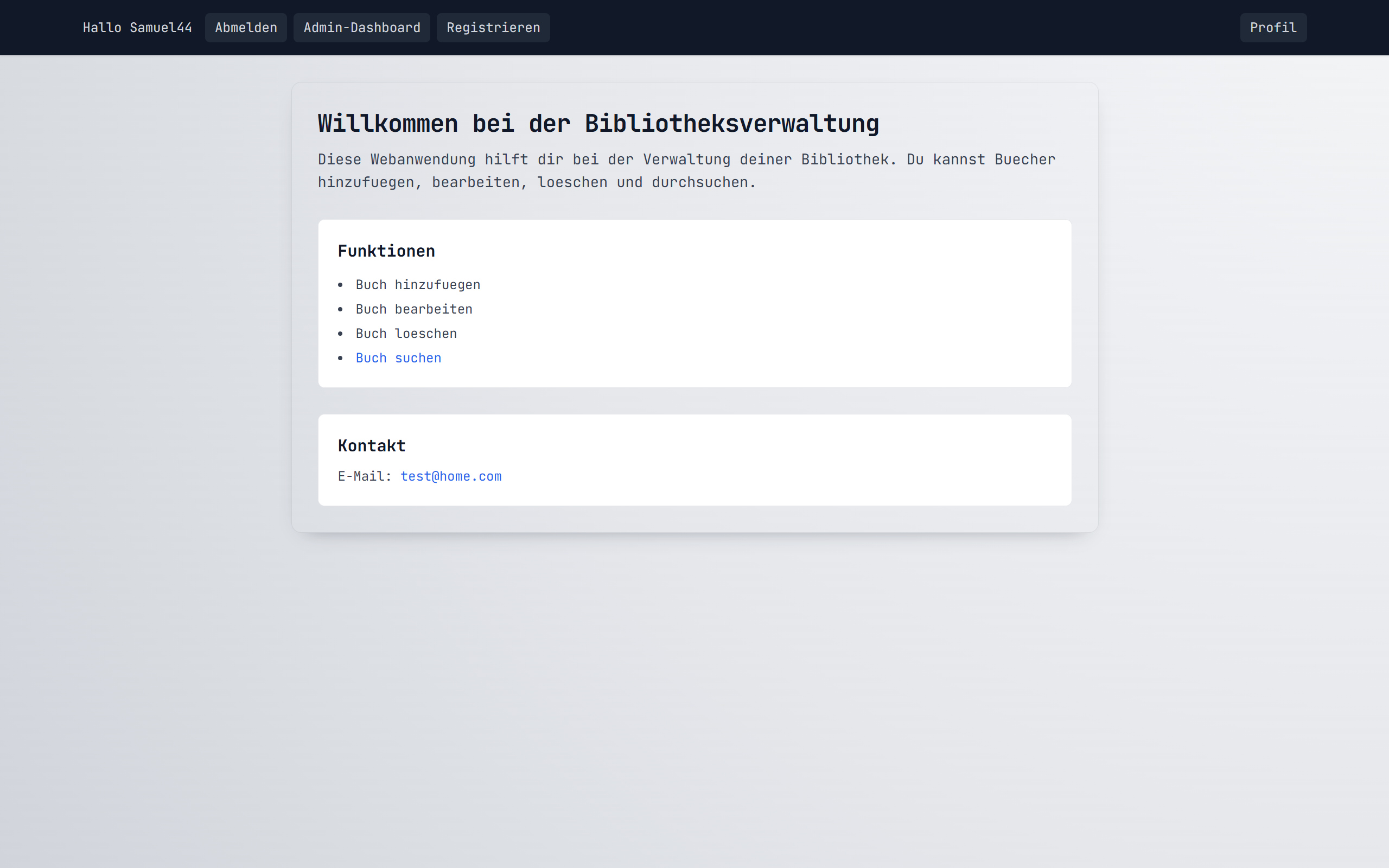
The Library Management System (LMS) is designed to simplify and streamline the process of managing a library’s inventory, users, and transactions. With this system, librarians can efficiently handle book cataloging, user registrations, reducing manual effort and enhancing user experience. It also allowes users to effortlesly search for any Book within the Library.
Features
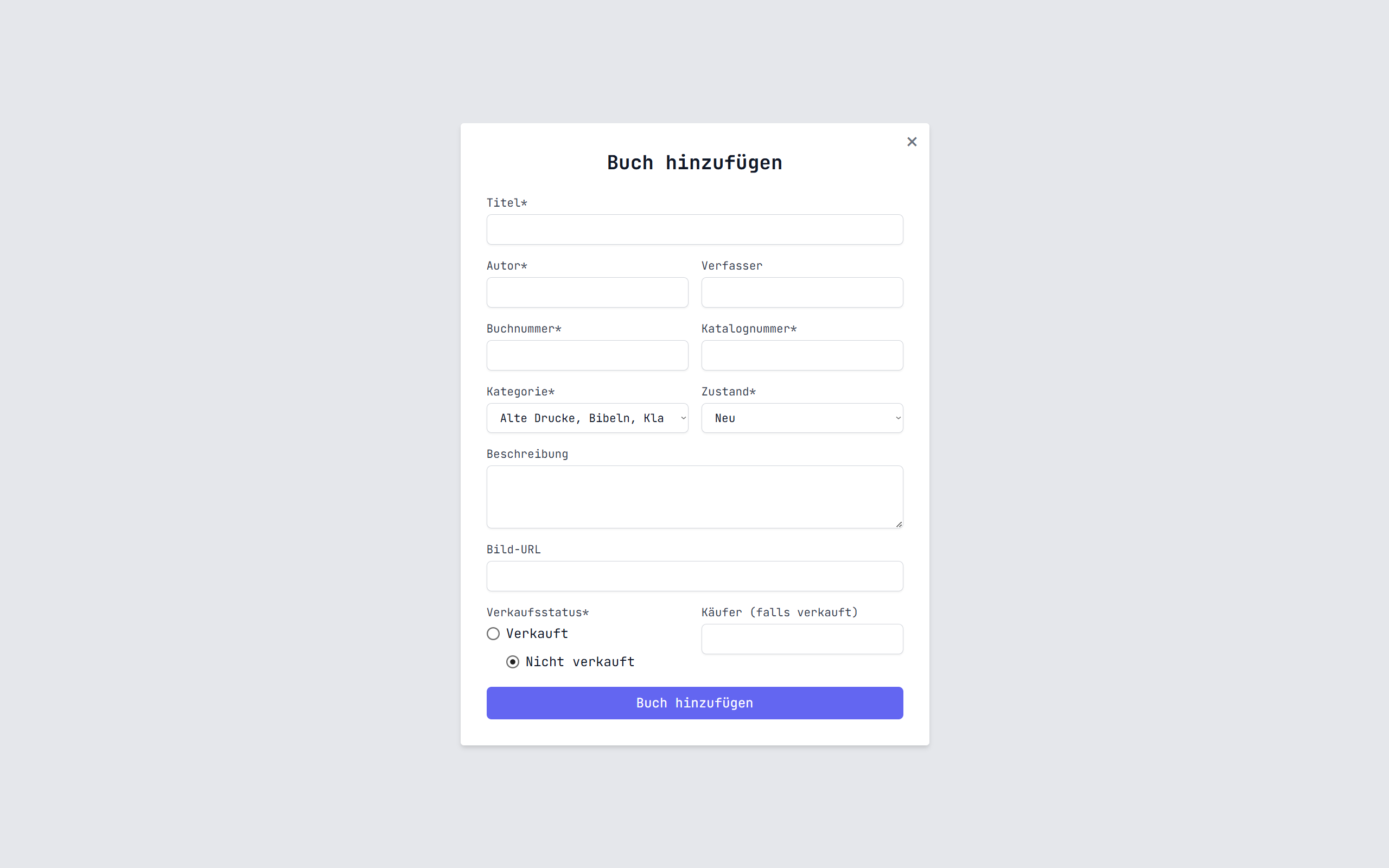
Add a Book
Edit a Book
Delete a Book
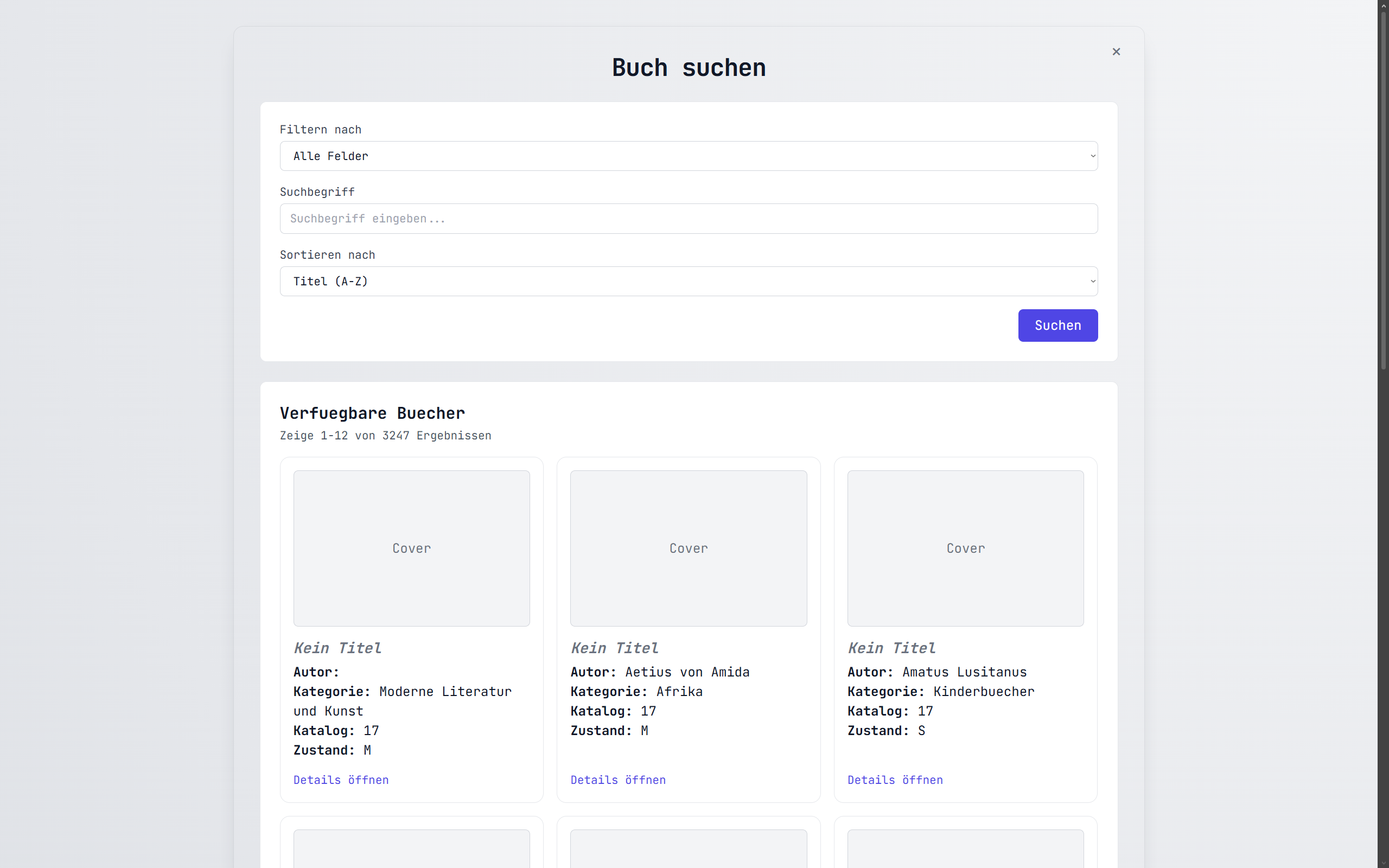
Search a Book
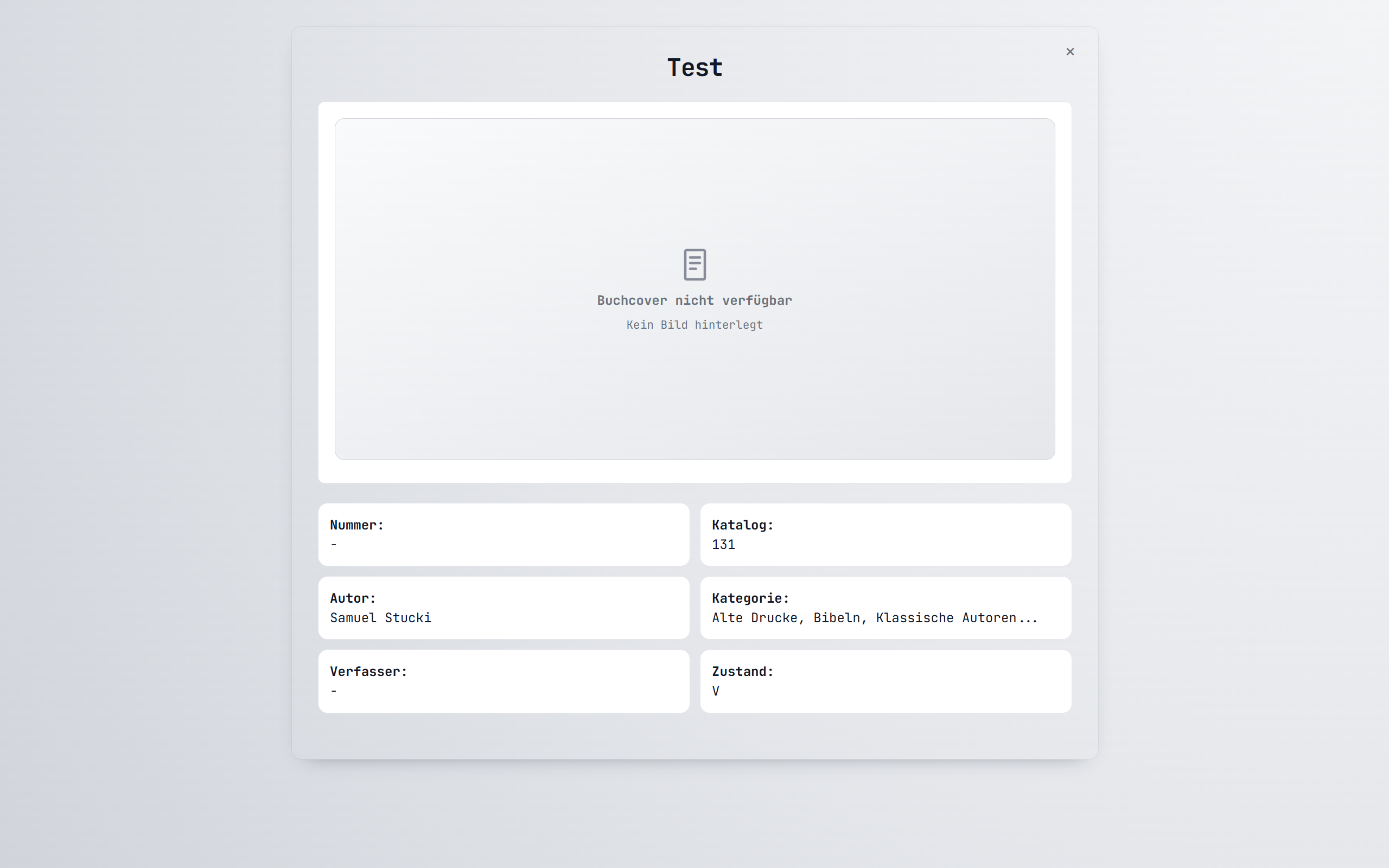
View Book Details
User Accounts
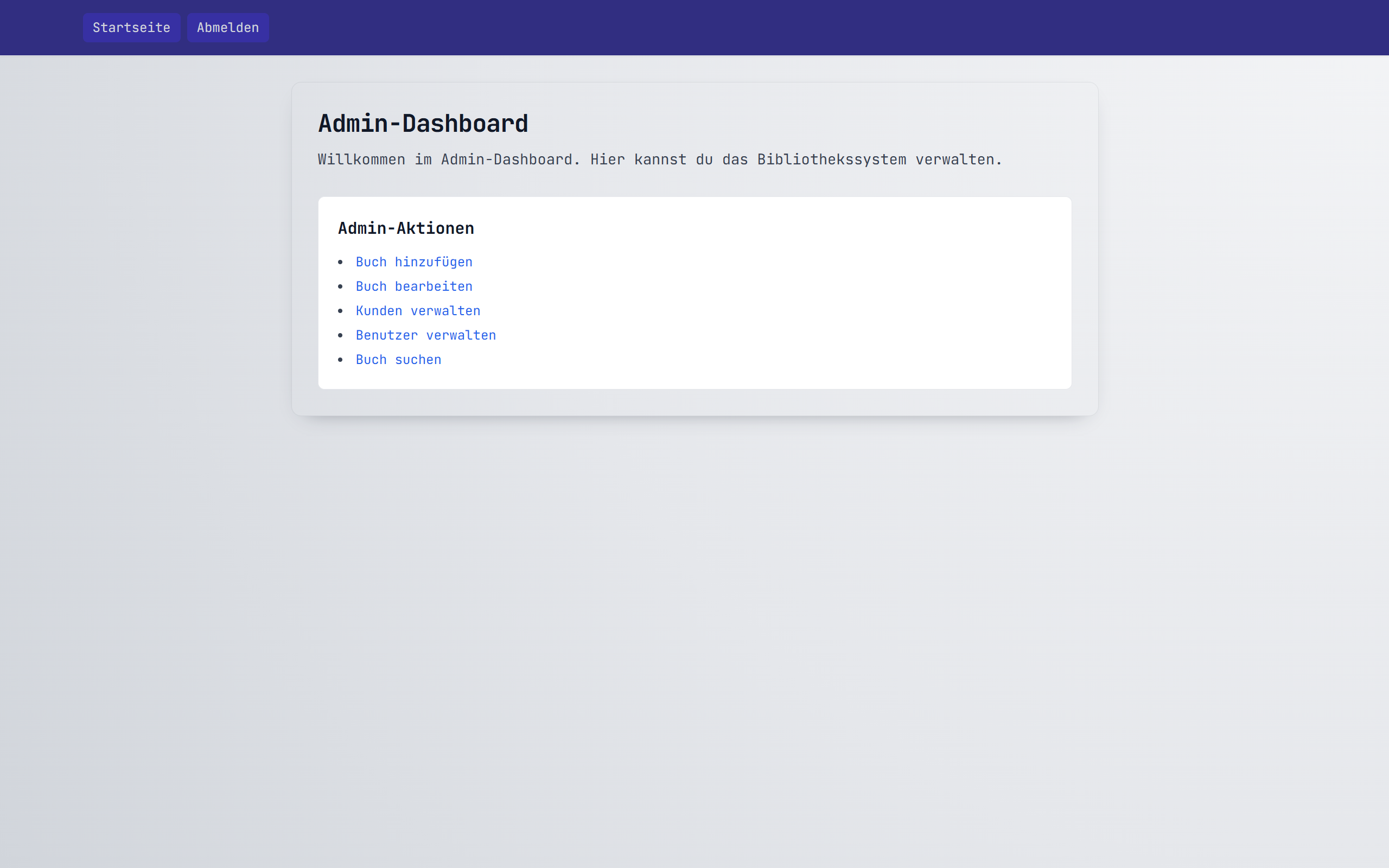
Admin Accounts with Admin Dashboard
Architecture
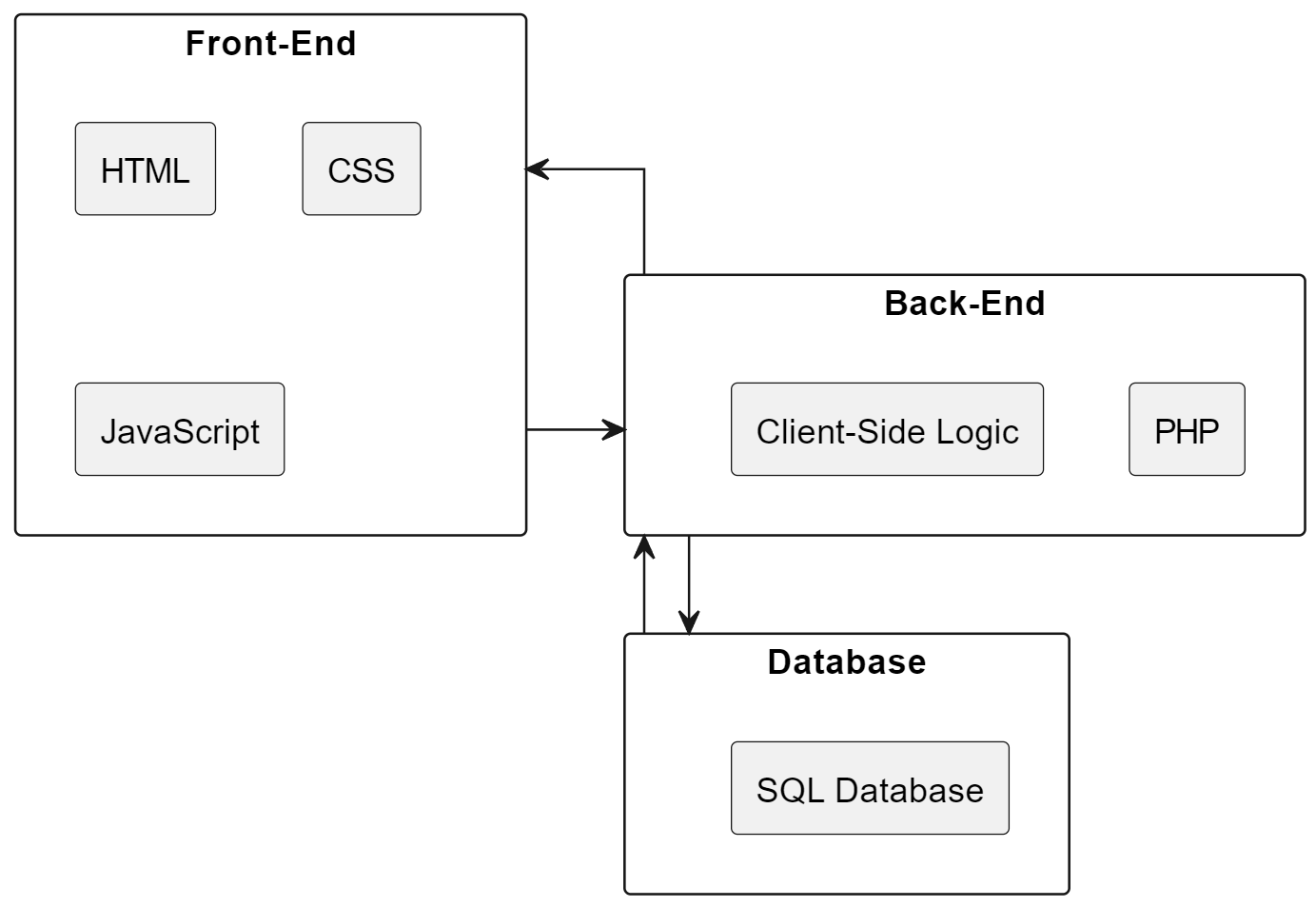
The LMS is designed with a modular architecture to ensure flexibility and scalability. It consists of:
Front-End - A user-friendly interface developed using HTML, CSS, and JavaScript, allowing for easy interaction.
Back-End - A Client setup, handling database operations, built using MySql.
Database - A robust database system for storing books, users, and transaction records.
Getting Started
Navigate to the homepage.
Log in with your credentials.
Use the navigation menu to access different sections of the system.
Detailed Usage
Here’s how to perform specific tasks within the LMS:
Adding a New Book - Navigate to the Admin Dashboard page, click “Add a Book,” and enter the details. (Slide 1-2)
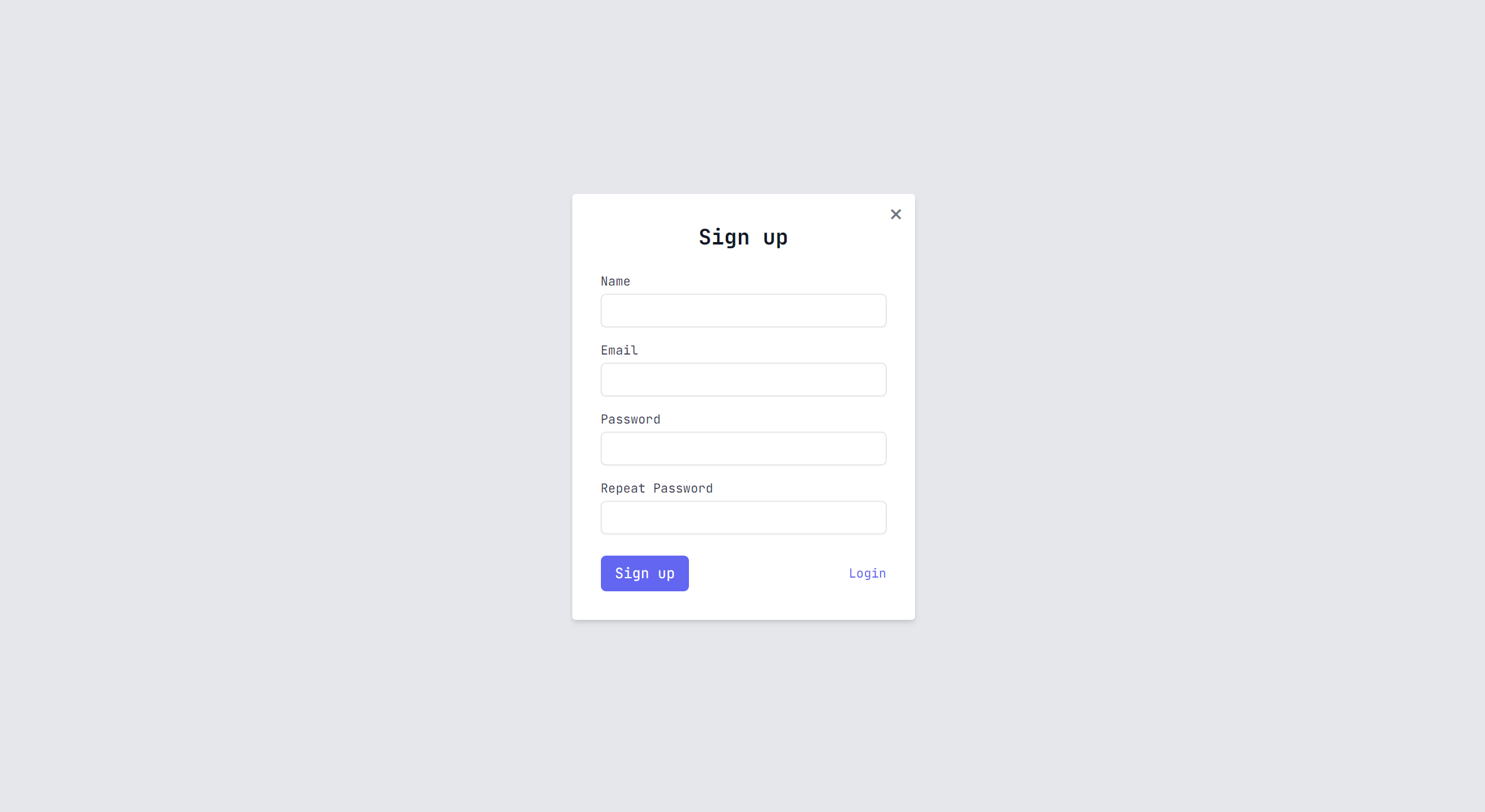
Registering a New User - Go to the User Sign up page, enter user information, and save. (Slide 3)
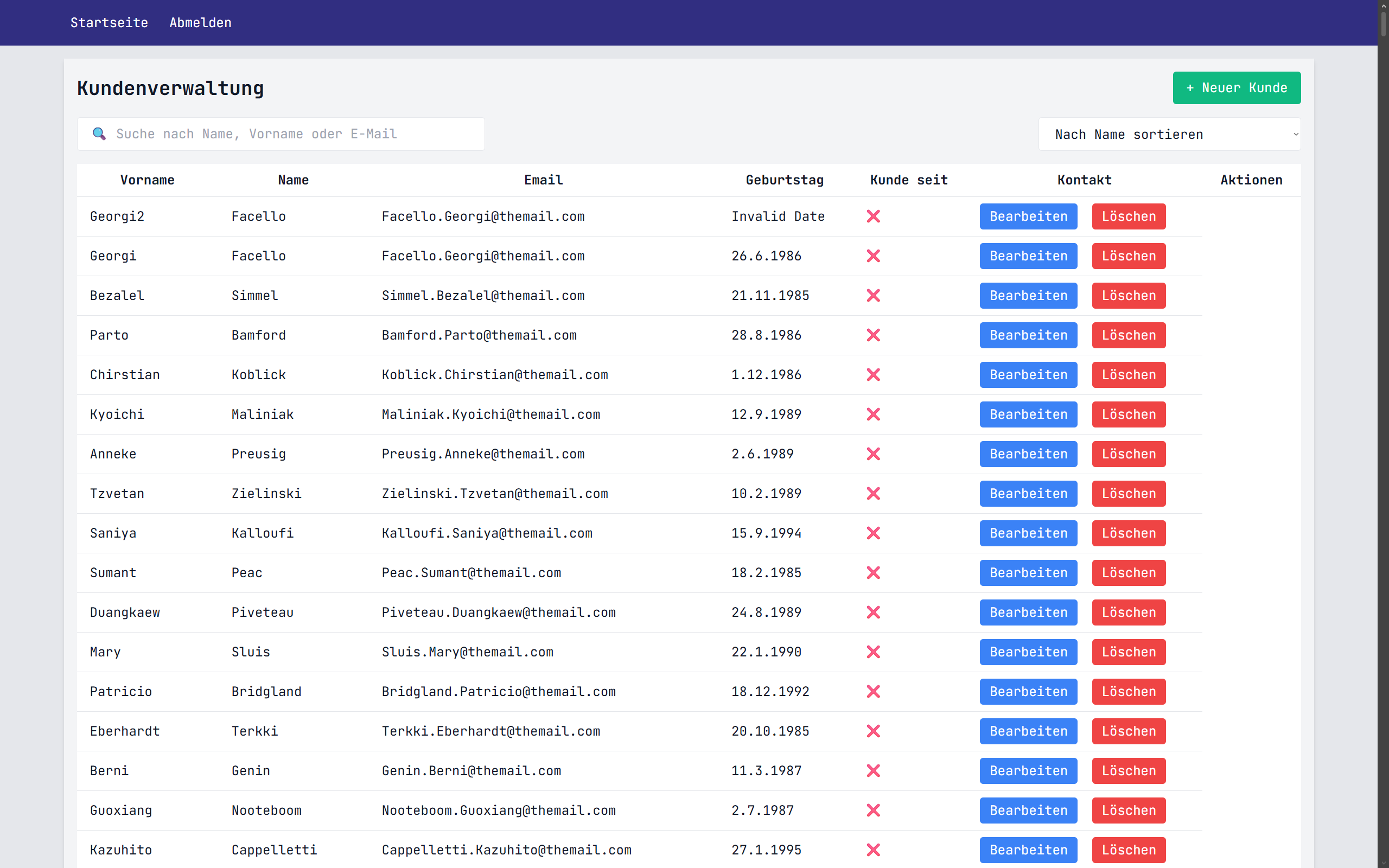
Editing Customer Information - Go to the Edit Customers page, select a customer, and update their information. (Slide 6)
Conclusion
In conclusion, the Library Management System provides a practical solution for library management, improving operational efficiency and user satisfaction. Looking forward, potential enhancements include:
Mobile App Integration - Extending access to mobile devices.
Enhanced Reporting - Introducing more customizable reporting options for in-depth analytics.